

Most teachers and parents already use both devices and paper, and the daily question is which one fits the task in front of the learner. A debate over screens versus paper rarely helps with that. A better approach is to look at what the learner has to do in the next 20 minutes and choose the tool that supports it.
This article gives you a short test for making that choice, a careful look at what research has and hasn’t shown, and some habits that help students use both tools well. It is written for classroom teachers, parents, and homeschooling families, and the same logic works in all three settings. If you are working on balancing technology and paper pencil learning in the classroom, think of it as a way to make a lot of small decisions quickly.
Why this question got louder after the move to online learning
When schools moved online in spring 2020, devices stopped being an add-on and became the whole classroom for many students. Families bought laptops and tablets, districts handed out devices, and teachers learned new platforms in days. Many schools kept a good share of that equipment and those habits after students returned.
That left every adult with a new daily judgment call. A worksheet could be a PDF, a slide, a form, or a printed page. A spelling list could go on a flashcard app or on an index card. Each version is easy to set up, so the choice usually gets made by convenience, and convenience is a weak reason to pick a tool for learning.
Remote learning also left a lot of data behind, and people began to ask what the move did to students’ reading, writing, and attention. Those questions are worth answering carefully, and we come back to them below. First, it helps to be clear about what each tool does well.
What paper and pencil still does best
Paper has a few strengths that come from how it works.
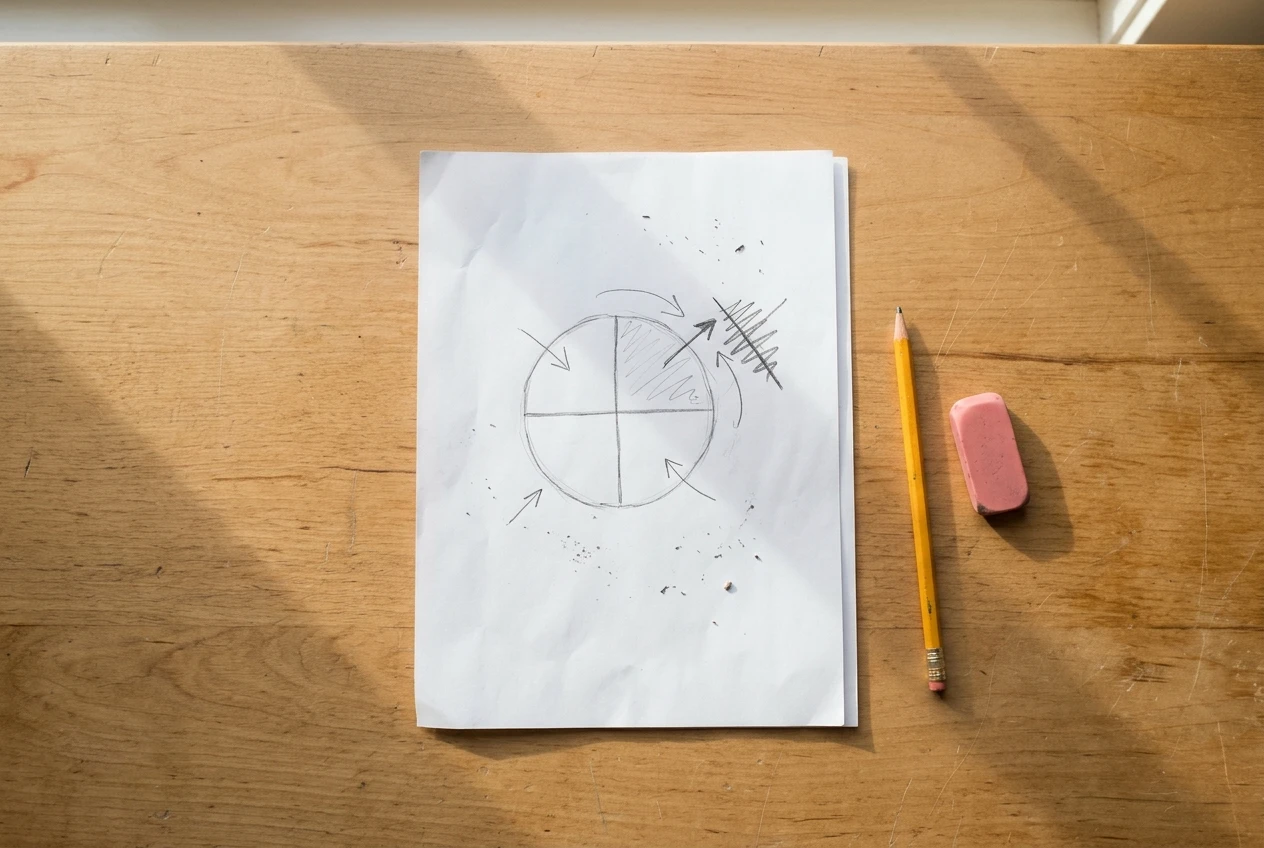
- It has one function. A page cannot send a notification or open a second tab. For tasks that need sustained attention, such as working through a hard math problem or reading a dense passage, that absence removes a common source of interruption.
- It makes thinking visible and flexible. Students can sketch, draw arrows, cross out, squeeze a note into a margin, and turn a diagram sideways. Free-form marks are quick on paper and slower on most devices.
- It slows the pace. Handwriting is slower than typing for most people. For note-taking and first-draft thinking, that slower pace can push a student to decide what matters instead of copying everything.
- It is a good fit for early skills. Letter formation, number sense, and early spelling rely on the physical act of writing and drawing, and young children need to practice that act.
- It works anywhere. Paper needs no charging, no wifi, and no login, and it is easy for a parent or teacher to glance at and see exactly what a student did.
Paper also has costs. It is hard to revise a handwritten draft heavily, it cannot read aloud to a student who struggles with decoding, and feedback takes longer to deliver.
Where technology earns its place in the lesson
A device is worth using when it does something paper cannot. The list is specific:
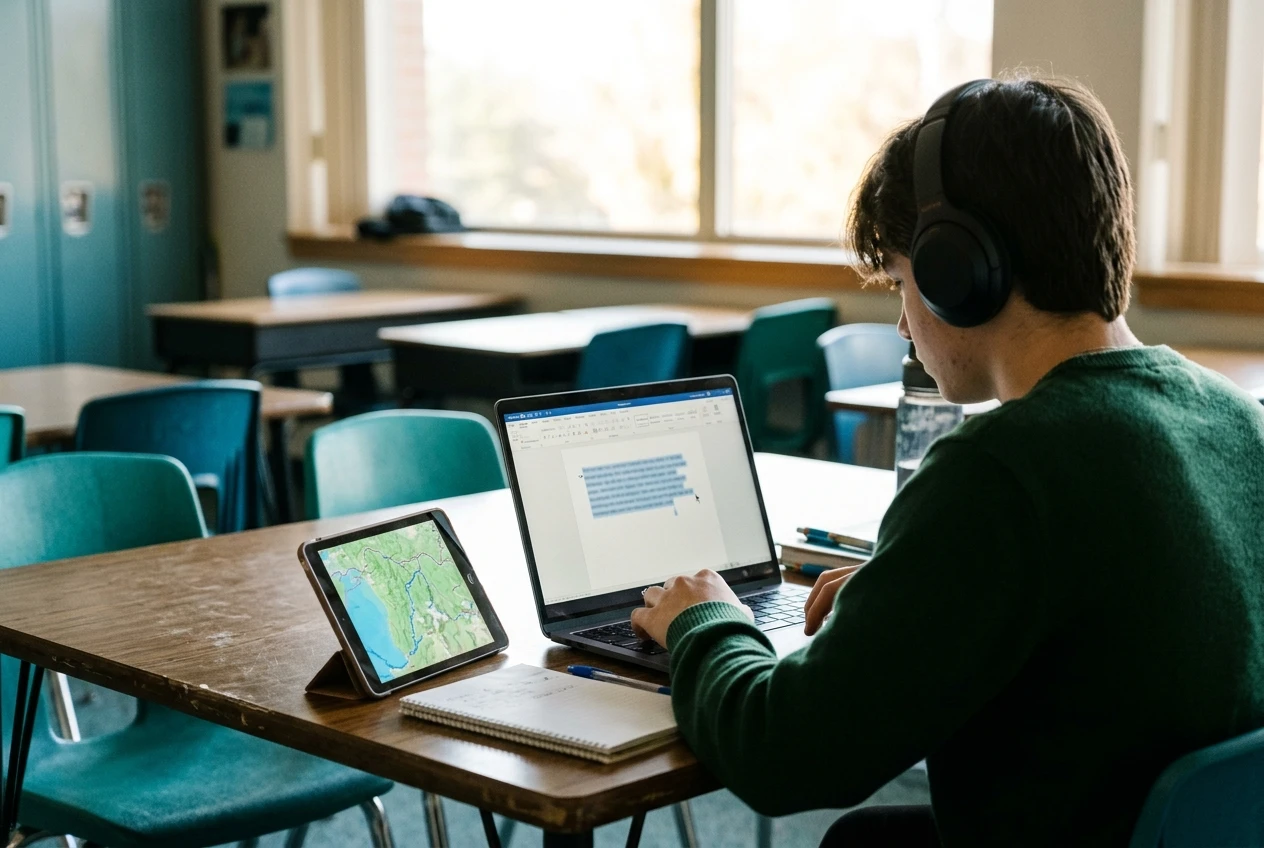
- Immediate feedback. A short quiz that tells a student right away whether an answer is correct lets them fix a misunderstanding before it sets.
- Revision and reorganizing. Moving paragraphs, rewording sentences, and fixing spelling are far easier in a document, and that lowers the cost of revising.
- Access. Text-to-speech, speech-to-text, adjustable font size, translation, and captions can be what makes a lesson reachable for some learners. For these students, the device is the accommodation.
- Media and research. Audio, video, maps, simulations, and primary sources are on a screen and nowhere else.
- Collaboration and sharing. Students can co-write, comment on each other’s work, and publish to an audience beyond the room.
- Storage and organization. A folder of work is easier to search and carry than a backpack of loose pages.
Notice that each item names a function. “It’s engaging” and “students like it” do not appear on the list, because novelty fades and a tool should still be earning its place in week six.
What studies have found since the COVID-19 shift, and what they can’t tell us
Research here is mixed, and several findings are easy to overstate, so it helps to separate what is fairly well supported from what is open.
Test scores after remote learning. Analyses of student test results after the 2020 to 2021 school years found declines, especially in math. Students and districts that spent more time in remote instruction generally lost more ground than those that returned to classrooms sooner, and the gaps were often larger in higher-poverty communities. Those studies describe emergency remote schooling, which came with disrupted routines, uneven internet access, stressed families, and teachers working without preparation. They cannot tell us whether a well-designed lesson that uses a device is worse than the paper version.
Reading on screens versus paper. Reviews of studies comparing the two have often found that comprehension of informational text is somewhat better on paper, particularly when readers are under time pressure. The size of the effect varies, and it tends to be smaller for narrative text. Results can also depend on how familiar readers are with the format and on what the screen lets them do, such as scrolling versus turning pages. Researchers are still working out why the differences appear.
Handwriting versus typing. A well-known study of lecture note-taking found that students who wrote by hand did better on conceptual questions than students who typed, and it suggested that typists copied more word for word. Later attempts to repeat the result have had mixed outcomes. There is also research linking handwriting to early literacy skills in young children. The reasonable reading is that handwriting has real value for some tasks and for young learners, and that the strength of the evidence for older students is still debated.
What the studies can’t tell us. Most research compares one tool against another for one task, usually in a short experiment. It rarely follows a particular student over a year of mixed use, and it cannot say how a skilled teacher’s choices change the results. It also usually measures averages, and your students are individuals. Treat the findings as reasons to be deliberate, and as a caution against assuming either tool is automatically better.
A quick test for choosing screen or paper for a single task
When you plan a task, run through four questions. They take less than a minute once you are used to them.
- What does the learner have to do? If the main work is forming an idea, working through a new concept, or building a foundational skill, start on paper. If the main work is organizing, revising, researching, or sharing, a device usually fits.
- Does the device add a function paper can’t? Check the list above: feedback, access tools, media, collaboration, or easy revision. If you cannot name one, use paper.
- Does paper block anything for this learner? If a student cannot read the text, cannot write legibly in the time available, or cannot take part without a support only a device provides, use the device. This question can override the others.
- What will pull attention away? If the device would put open tabs, messages, or games within reach of a student who is likely to wander, either pick paper or limit the device to a single locked-down activity.
Here is how it plays out. A student who has just been introduced to fractions and needs to draw models: paper. The same student practicing facts with instant feedback for ten minutes: device. A fifth grader writing a research report: notes on paper, sources and drafting on a device. The answer is rarely all or nothing, and the best plan often has both tools in one lesson, in sequence.
Teaching students to use both: habits that transfer
Students do not automatically know how to use either tool for learning, and they need to be taught. These habits work with both.
- Name the reason for the tool. Say it out loud: “We’re using paper for this because I want you to think before you type,” or “We’re on the laptops because you’ll need to move paragraphs around.” Students who hear reasons start choosing for themselves.
- Set up the workspace. On paper, that means a clear desk and the right materials. On a device, it means closing unrelated tabs, silencing notifications, and opening only what the task needs.
- Teach a reading routine that works on both. Preview the headings, read with a question in mind, annotate (highlight tool or pencil), and write a one-sentence summary. Students who practice this on paper can carry it to a screen.
- Slow down on screens. Screen reading tempts students to skim. Ask for a short written or spoken summary after reading to check that they took in the content.
- Practice moving between the two. Have students plan by hand and draft on a device, or photograph handwritten work and add it to a digital portfolio. Moving between formats is a skill in its own right.
- Build keyboarding and handwriting both. Typing fluency helps students write longer at a pace that matches their thinking, and legible handwriting is still needed for forms, tests, and quick notes.
When a lesson follows a gradual-release structure, you can decide the tool at each stage. The post on I Do, We Do, You Do in a 60-minute lesson walks through that structure, and the tool choice fits into it naturally: you might model on a projected screen, practice together on whiteboards, and let students finish independently on paper.
What this looks like at home and in a homeschool day
At home the same test works, and a few practical points help.
Keep the device in the common area for tasks that need one. A laptop at the kitchen table is easier to supervise than one behind a bedroom door, and it makes it easier for a parent to see when a student has drifted.
Match tool to time of day. Many families find that a morning block of paper-based work such as handwriting, math facts, and reading from physical books goes smoothly, with a device block later for research, typing practice, or a video lesson. Your own household’s rhythm matters more than any fixed schedule.
Let the device carry what you can’t. Homeschooling parents often teach several ages at once. A reading app with read-aloud, a recorded lesson, or a quiz with instant feedback can give one child something useful to do while you work with another. That is a good use of technology because it adds a function you could not provide at that moment.
Keep a paper trail. A folder of handwritten work shows progress in a way that is easy to review. Pair it with a digital portfolio if your state or district requires documentation.
If your child is missing school and you are trying to keep them on track, this guide to keeping a student caught up covers how to combine remote and take-home materials.
Three lessons to try this week, one paper, one digital, one blended
You can adapt each of these to most grade levels. Each takes 20 to 40 minutes.
A paper lesson: handwritten retrieval practice
Have students close their books and write everything they remember about yesterday’s topic on a blank page, in any form: lists, diagrams, sentences. Give them five minutes. Then they open their notes, add what they missed in a different color, and circle anything they were unsure about. The paper keeps the task simple, and the two colors show students what they know and what to review. Collect the pages and note the common gaps for tomorrow.
A digital lesson: quick feedback practice
Set up a short quiz of eight to ten questions in whatever platform you use, with feedback shown after each answer. Students work individually, then you display the two questions most students missed and have them explain their reasoning to a partner. The device earns its place here through immediate feedback and through the class-level summary of results, which would take much longer by hand.
A blended lesson: plan on paper, draft on screen
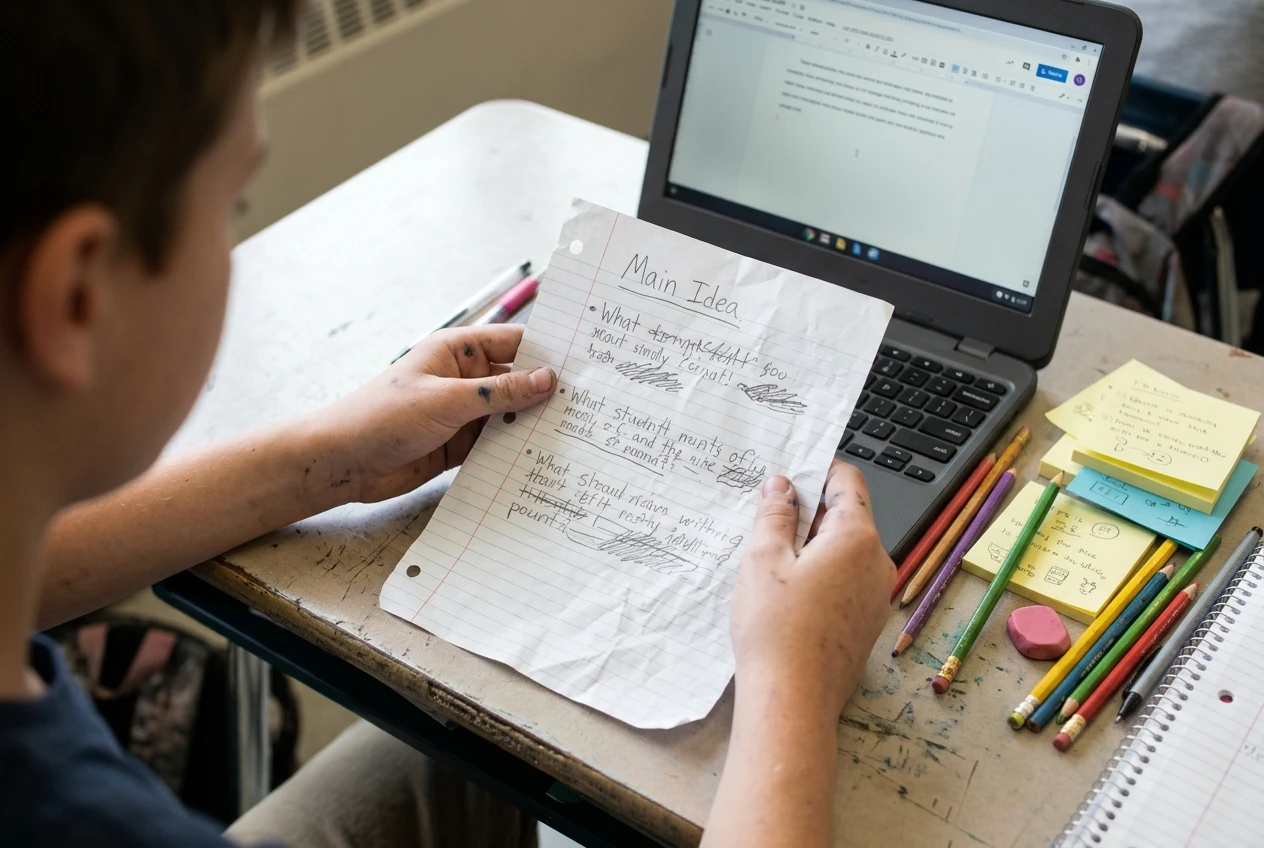
For a paragraph or short essay, students begin with a handwritten plan: a main idea and three supporting points, with one detail each. They then move to a device, type the draft from their plan, and use the editing tools to reorder and revise. Finish with a read-aloud (their own voice or text-to-speech) to catch awkward sentences. The sequence uses each tool for what it does best, and students see the reason for each switch.
Book a session to build your own plan
A balanced plan looks different in a third-grade classroom, a middle school science room, and a homeschool with a kindergartner and a seventh grader. If you would like help working out which tasks should go on paper, which on devices, and how to teach students to move between them, you can book a virtual or in-person session to build a plan for your classroom or homeschool. The pre-made resources on this site, including ready-to-use materials for paper, digital, and blended lessons, can support the plan once it is in place, so you are not building every activity from scratch.